A portal built by Dreamseven
Your files.
Your team.
One shared space.
Netzjunkie connects file storage, collaboration and creative tools for personal projects, business workflows and client work.
Example workflow
From draft
to approval.
01
Gather the material
02
Agree together
03
Share the result
Files + people + next steps
Files · Team · Customers
What belongs together
stays together.
Start with the features that help with your daily work. Add more as your needs change.
01
Find and share files
Folders, search, previews and file versions help you find your way. Sharing links can have a password, expiry date and download permissions.
02
Teams and tasks
Organize workspaces by project, client or department. Tasks, questions and access stay connected to the work they belong to.
03
Documents and approvals
Record the document number, language, revision and validity. Review drafts, resolve questions and make the approved version available with a clear record.
04
Client workspaces and agencies
Keep client projects separate and assign access as needed. A branded client workspace makes it a recognizable part of the way you work together.
05
Image and story studio
Edit images and create social media content. Combine text, graphics and logos, reuse your templates and keep original files separately.
06
Apply AI where it helps
Enabled image tools and assistants can help with tasks such as removing backgrounds or enhancing images. You can review the results before using them.
Practical examples
See what this could look like in your day-to-day work.
How the features work together
Everyone can work from the right version.
A draft sits in a shared workspace. The person responsible collects questions and shares the agreed version. The team finds the file, the task and the next step in one place.
Fewer scattered attachments. A clear record of where the work stands.
How the features work together
Give your client one place to find what they need.
Bring drafts and documents together in the right client workspace. Give your client access to the intended files and share finished work once it has been approved.
One place for material, feedback and handover.
How the features work together
Find the data sheet for the correct revision.
Item number, language and validity make it easy to identify the right document. After review, publish the approved version on a clear document page.
Find the right documents and control how they are shared.
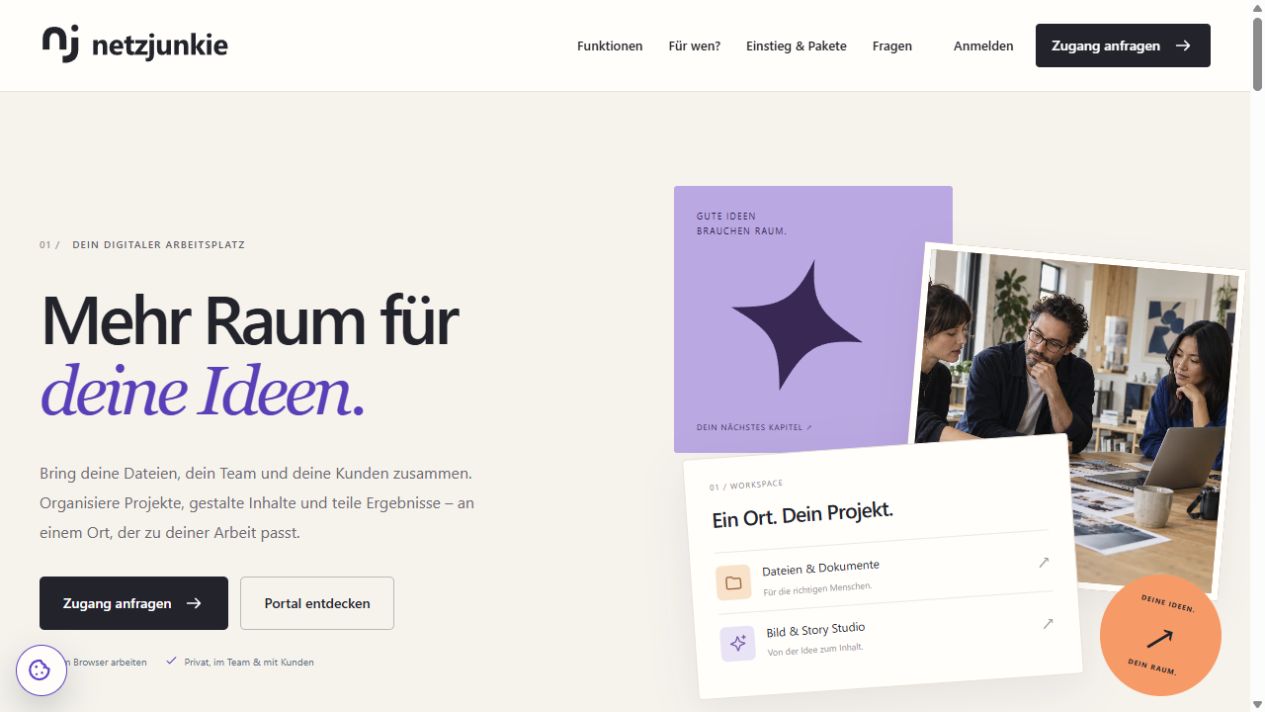
Public Netzjunkie homepage
Built by Dreamseven
Bring separate tasks
into one workspace.
We built Netzjunkie to connect file storage with the people and tasks behind it. The material, feedback and final handover stay in one workflow.
The interface, client workspaces and creative tools keep information in context so the next step is easier to find.
Good to know
Your questions.
Clear answers.
Available features depend on your plan, permissions and enabled modules. AI features may cost extra and send the selected content to the relevant AI service.
Is Netzjunkie only for businesses?
You can also use the portal for personal files and projects. Teams, agencies and businesses can use additional team and client workspaces depending on their plan.
Do recipients always need an account?
Use share links and document pages for suitable content. Configure password protection, expiry and download permissions as needed. Team members use their own accounts for internal work.
How do I get started with existing files and workflows?
We can help define the structure, roles and features you need, set up the workspace, organize existing content and onboard your team.
What should I know about AI and supported devices?
Enabled AI tools have their own usage limits. Review the results before using them. You can work in a browser on desktop, tablet or phone. The Windows application is a preview, and a Mac client is yet to be released.
The next step
Your next project
needs a place to come together.
Explore the portal or ask us to help you set it up. We can work out a starting point that suits you.