A portal built by Dreamseven
Cookie banners.
See what’s
behind them.
Cookieportal brings together website scans, cookie banners and consent management. See which services are present, where you need to make decisions and which changes need attention.
Example workflow
Identify the services.
Review the findings. Make a decision.
01
Inspect your website
02
Classify services
03
Publish the banner
04
Track changes
An organized workflow for your website
Cookie banner · Consent
The banner is the starting point.
Keep track as your website changes.
For site operators, online stores and agencies that want a clear record of consent and the services they use.
01
Check your website
The scan looks for cookies, storage access, external domains and embedded services. Findings are gathered for review.
02
Review and classify services
Review and confirm findings, categories and purpose descriptions. Unclear findings remain visible so you can decide how to handle them.
03
Design a banner that fits your site
Match the copy, colours and layout to your website and check the preview. Visitors can choose which optional services to allow.
04
Trace consent decisions
Document consent, versions and changes. Export records when you need them so you can trace how the configuration has evolved.
05
Change choices later
Visitors can reopen their settings and withdraw consent through the Privacy Center. You can manage privacy requests through the relevant workflow.
06
Manage multiple websites
Manage clients and websites separately, organize approvals and track open tasks. Agency branding options depend on the plan.
Practical examples
One clear workflow.
Set up for the way you use it.
How the features work together
Spot new services as the site changes.
You add a video or analytics tool. The website check can flag the new integration so you can review it and update the service, its description and the banner settings.
Review changes and keep a clear record of what was done.
How the features work together
Distinguish essential shop functions from marketing.
An online store combines essential functions with optional measurement and third-party services. Review what each service does and configure its settings to match its purpose.
A clear structure for different integrations.
How the features work together
Multiple clients, with responsibilities kept separate.
Manage each website in its own space. Scan results, changes and approvals stay with the right project, with open tasks visible.
See what needs attention in one place.
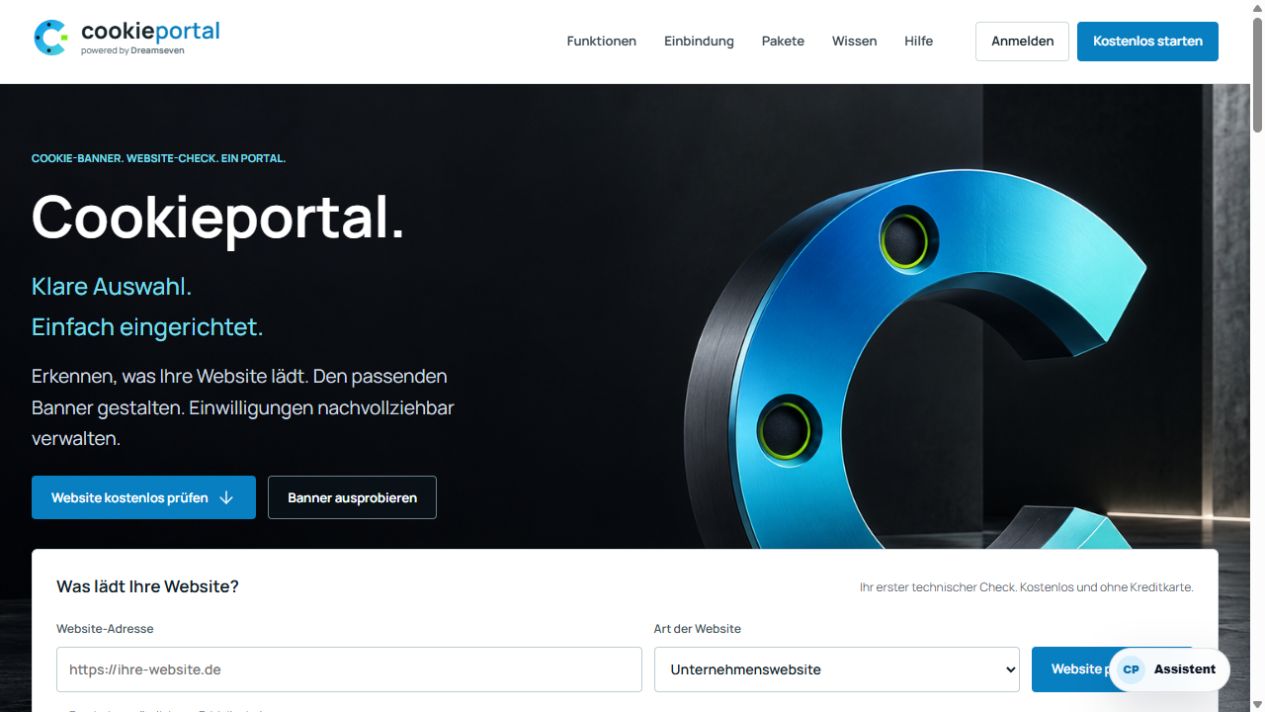
Public Cookieportal homepage
Built by Dreamseven
From the initial installation
to ongoing maintenance.
Dreamseven built Cookieportal to connect the first website scan with ongoing maintenance. You review findings, make decisions, publish your settings and track changes in one workflow.
Site operators can see what to do next, and agencies can clarify who is responsible for each client project. Banner design, administration and consent records work together.
Good to know
Your questions.
Clear answers.
A scan provides technical findings for review. Check each site’s service classifications and disclosures separately. Cookieportal is a technical tool, and legal advice is a separate service. Features vary by plan.
Can Dreamseven handle setup for us?
Yes. We can help review your setup, configure and integrate the banner, then check it on the site. We agree the scope based on your website and the services you use.
Does publishing a banner cover everything?
The services you actually use, their purposes and your settings need to match. When the website changes, review the integrations and the information you provide. The portal helps with this ongoing work.
Can the portal manage websites for multiple clients?
Yes. Depending on the plan, agencies can use separate client and website areas and organize approvals and ongoing work. We can help agree the right scope before you get started.
Where can I see the current plans and prices?
See the current offers in Cookieportal. Start with the website check there or discuss setup with Dreamseven.
The next step
Get a clear view of
the services on your website.
Explore the portal or ask us to help you set it up. We can work out a starting point that suits you.